Two Photos, Two Roles: Preparing Your Studio Duet
A practical guide to choosing portraits, reviewing AI hands and faces, and sharing a silent studio duet.
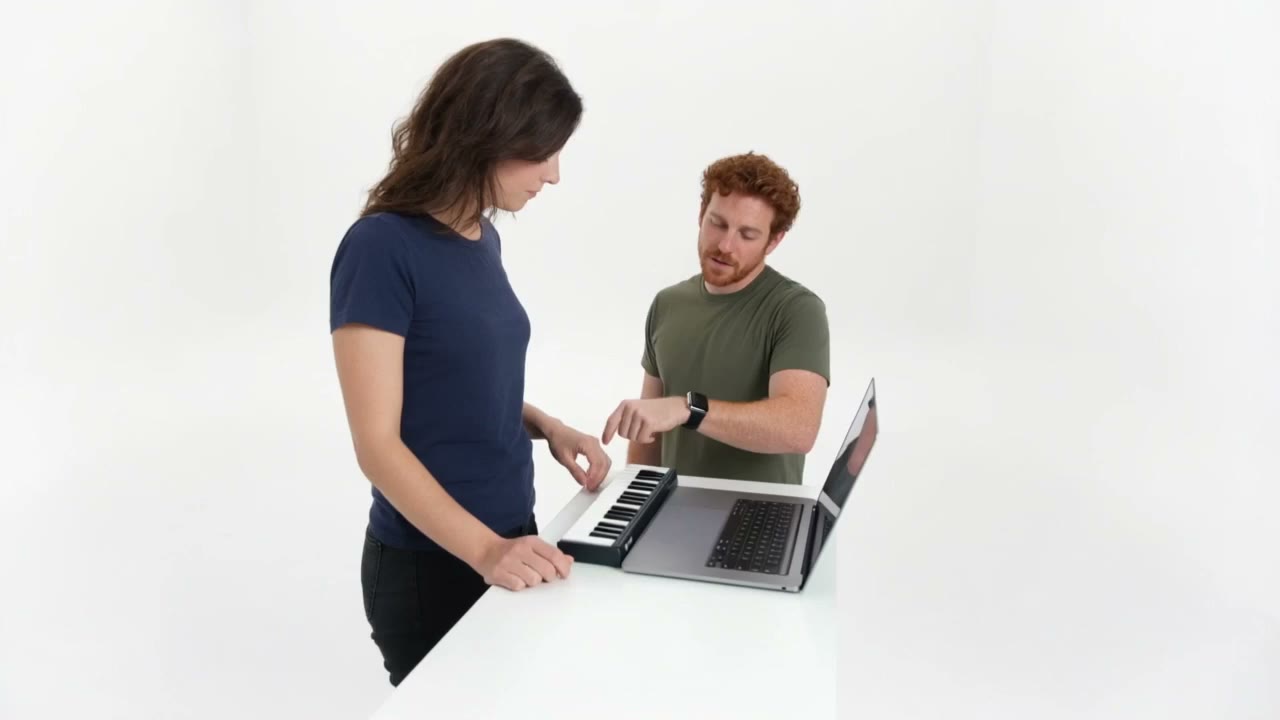
A good studio duet starts with two clear portraits. One becomes the keyboard player on the left; the other becomes the reaction partner on the right. Our current template produces a 15-second, 720p, 16:9 silent MP4.
Choose portraits that give the model a clear view
Use one adult per photo, with an unobstructed face and fairly even lighting. Similar lighting between the two pictures can help the pair feel more coherent. Avoid sunglasses, strong beauty filters and small faces in group photographs. The uploader accepts JPEG or PNG, up to 5MB each, with both dimensions at least 300 pixels.
Confirm permission for each portrait separately. Owning a photo file does not tell us whether the person depicted has agreed to this performance. Use your own portrait or obtain the adult person's explicit permission before submitting.
Let the template carry the interaction
The built-in motion template guides keyboard playing, pointing, shared nodding, a brief celebration and closing steps. You do not need to upload a reference clip. The generator currently does not accept custom prompts or offer a different duration, resolution or aspect ratio. The prompt collection provides ideas for other tools that accept those inputs.
Check the result before you share
Watch each person's face through the whole clip. Check that the hands stay plausible, the equipment remains coherent and the interaction feels connected. AI can still drift, distort fingers or change timing. A second render can differ; it is not a guaranteed correction.
The output has no soundtrack. Add audio only within the permissions that apply to your use and the platform. Identify the performance as AI-generated when sharing.
Keep control of your result
Removing a task revokes its playback on this site. It does not erase downloaded copies or instantly delete material held by an upstream provider. The report and deletion form lets you request follow-up; the privacy page explains the current boundaries.
Return to the Alors on Danse AI Video Generator to prepare your two portraits.